

Contractor Client Communications With AI Chatbots
Home service providers often juggle urgent calls, scheduling and customer updates. An AI chatbot can help answer routine questions and collect enquiry details, with a clear way to reach a person when the issue needs attention.
Start with a small set of approved answers about service areas, hours and how to request an appointment. Test the answers and compare qualified enquiries and staff time with your existing process.
Streamlining Workflows Through Automation
Some chatbot tools can connect with scheduling or field-service software, depending on the products and setup. Confirm the integration supports the actions you need, such as collecting an appointment request or sending a status update, and test it before relying on it.
Keep a person responsible for exceptions and approvals. Do not assume a chatbot can prevent every scheduling error, process payments or update a job without the necessary permissions and integration.
Enhancing Client Engagement With AI Chatbots
Contractors often answer the same questions about service areas, availability and next steps. A chatbot can help with routine enquiries while your team focuses on work that needs human judgement. See our guide to inbound marketing with AI for a wider workflow.
For example, a plumbing company could use a chatbot to share approved service-area information and collect a callback request. Clearly tell customers how to contact a person, particularly for urgent issues, and do not imply that a request has been booked until it is confirmed.
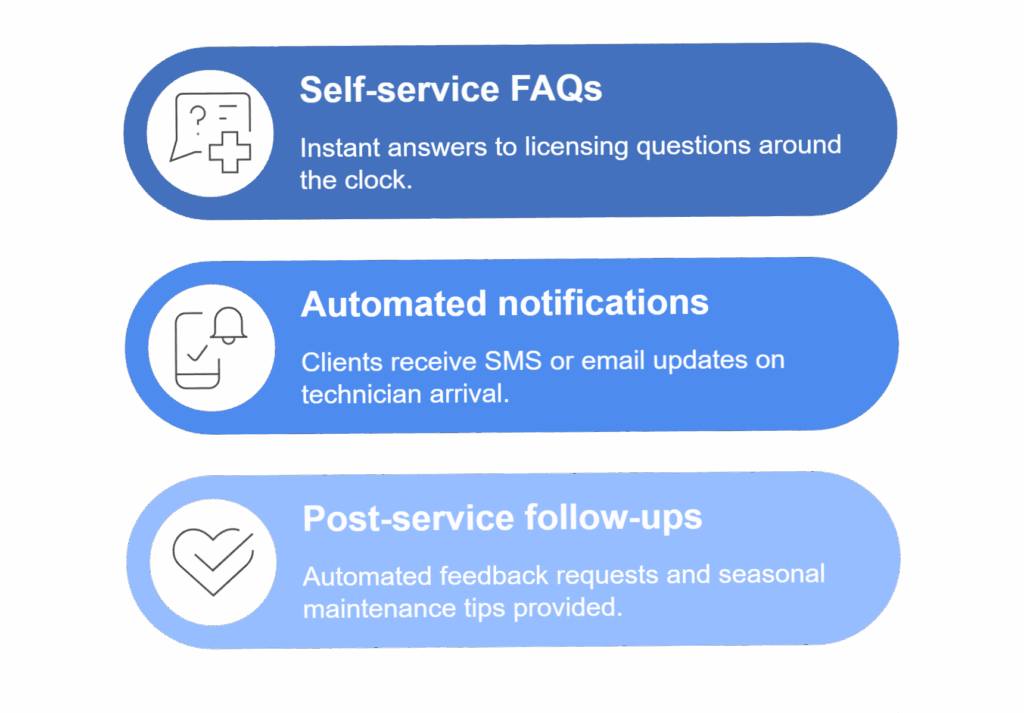
Follow-ups and notifications depend on the chosen tools, their integrations and applicable communication permissions.
A simple chatbot workflow for a contractor
- Ask for the customer’s community or postal code and check it against your current service area.
- Ask what kind of work they need, then request only the contact details needed for a callback. Explain how the information will be used and obtain any permissions required for follow-up.
- Send the request to a named staff member or monitored inbox. Offer a phone number and a clear option to speak with a person at every step.
- For an urgent or potentially dangerous problem, direct the customer to the appropriate emergency service or your published urgent-contact process. Do not let the bot diagnose the problem or promise an appointment.
Example approved response: “We serve customers in [service area]. Please tell us what you need and how we can reach you. Our team will review your request and confirm availability. For an emergency, contact the appropriate emergency service.” Replace the placeholders and test the handoff with your team before launch.
Personalized Client Interactions and Data Insights
Useful personalization starts with information the customer has chosen to provide and an approved set of answers. A marketing partner or your team can help design and test the workflow.
For example, a landscaper could offer answers about seasonal cleanups and route quote requests to a staff member. Avoid assuming sentiment detection will identify every urgent message, and regularly review unanswered questions and incorrect responses.
Future-Proofing Contractor Communications With AI Advancements
Choose tools that fit the team’s actual workload, integrate where needed and allow staff to review and update answers. Test a limited workflow first, document its limitations and compare qualified enquiries, response times and total costs with a baseline.
As your needs change, review the provider’s features and data practices before expanding the system.
During a short pilot, record how many enquiries arrive, how many need staff correction or go unanswered, and how many qualified requests become bookings. Compare response time, staff time and total tool costs with a similar period before launch. Review a sample of conversations for missed handoffs and incorrect answers, then revise the approved responses.
Common Questions
Can AI Chatbots Handle Urgent Client Issues?
A chatbot can direct an urgent request to a person if it is configured and monitored to do so. Provide a clear phone or emergency contact and do not rely on automated detection alone.
Can AI Chatbots Handle Sensitive Client Data Securely?
Security depends on the provider and implementation. Collect only what is needed, review data storage and retention, restrict access and check applicable privacy obligations. Avoid entering sensitive information until you understand how the service handles it.
Can Chatbots Integrate With Existing Contractor Software Systems?
Some can, but compatibility and supported actions vary. Confirm the specific integration, permissions, cost and testing process with the providers before committing.