

Wordpress or Webflow for Your Next Website
We’re deciding between WordPress and Webflow for our next website. WordPress, a time-tested giant, squares up against Webflow, an innovative challenger. Whether you’re building a small business site or scaling an enterprise platform, your choice between these platforms will shape your online presence for years. Below, we’ll investigate how each platform’s unique strengths in design freedom, performance, and content management can meet your needs and align with your specific goals and resources.
Design Freedom and Visual Control
Webflow provides a visual design interface; WordPress includes a block editor and, with a block theme, a site editor. Third-party builders can add other design options. The best fit depends on your team’s experience and the flexibility you need. This platform comparison provides additional context.
Speed and Performance Comparison
Both platforms can deliver a fast website. Performance depends on the page design, media, scripts, hosting and configuration, so test the actual site on mobile and desktop rather than assuming one platform is always faster. Read more about platform performance considerations.
Content Management Features
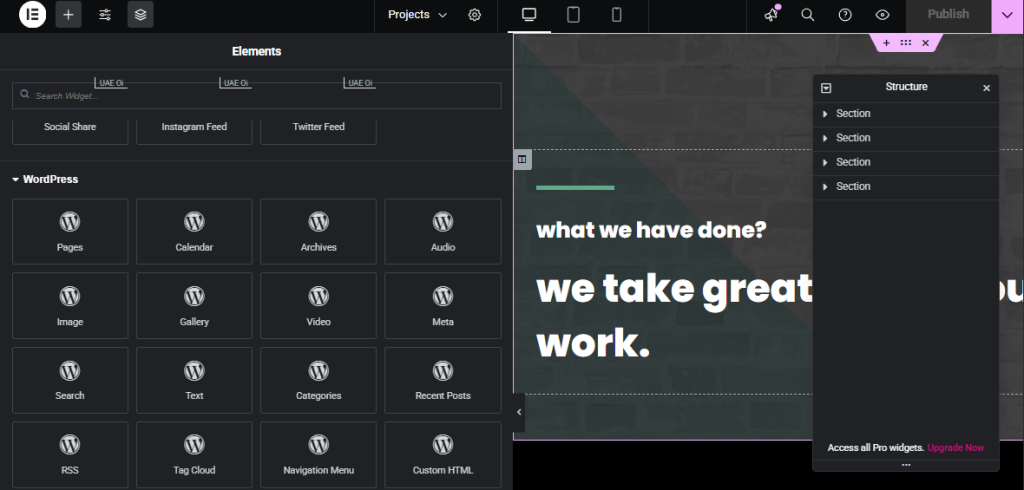
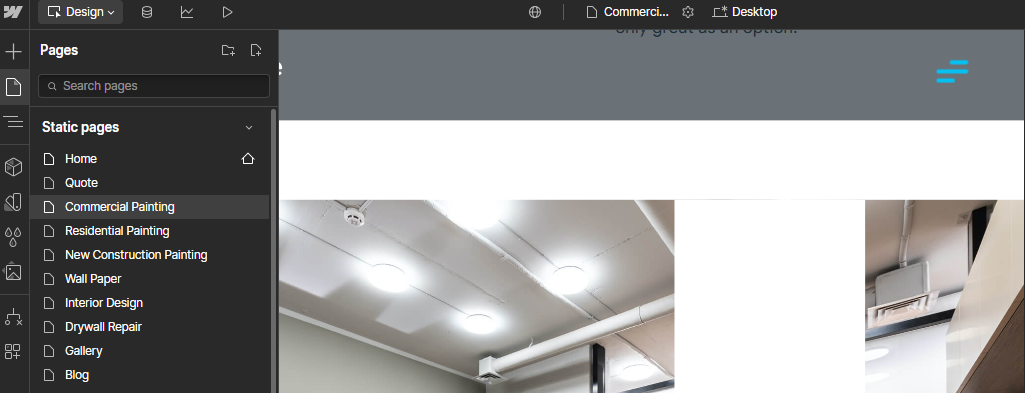
WordPress offers extensibility through themes and plugins and supports a range of content workflows. Webflow provides a visual design environment and CMS options that vary by plan. Compare who will edit the site, the content structure and required integrations. See our on-page optimization guide and this overview of WordPress features.
Cost Analysis
WordPress.org software is free and open source; budget separately for hosting, a domain, maintenance and any paid plugins or development. Webflow’s site plans, workspace plans and optional features have separate limits and costs. Compare the full cost for your required users, CMS, ecommerce and support, and check Webflow’s current pricing before deciding.
Security and Growth Potential
Webflow manages its hosting infrastructure; a self-hosted WordPress site requires a hosting and maintenance arrangement. Both need appropriate access controls, backups, review of integrations and ongoing attention to security. Scalability depends on the site and its configuration.
If you may move a Webflow site to another host, plan the migration before choosing a platform. Webflow’s code export requires a paid Workspace plan and does not carry over CMS or ecommerce functionality, password protection or form submission processing. Exported code includes only the primary locale; site search will not work on the exported site. Localized CMS collection items can be exported separately as CSV. Replace and test those features before launch; see Webflow’s code-export guidance.
Making The Final Choice
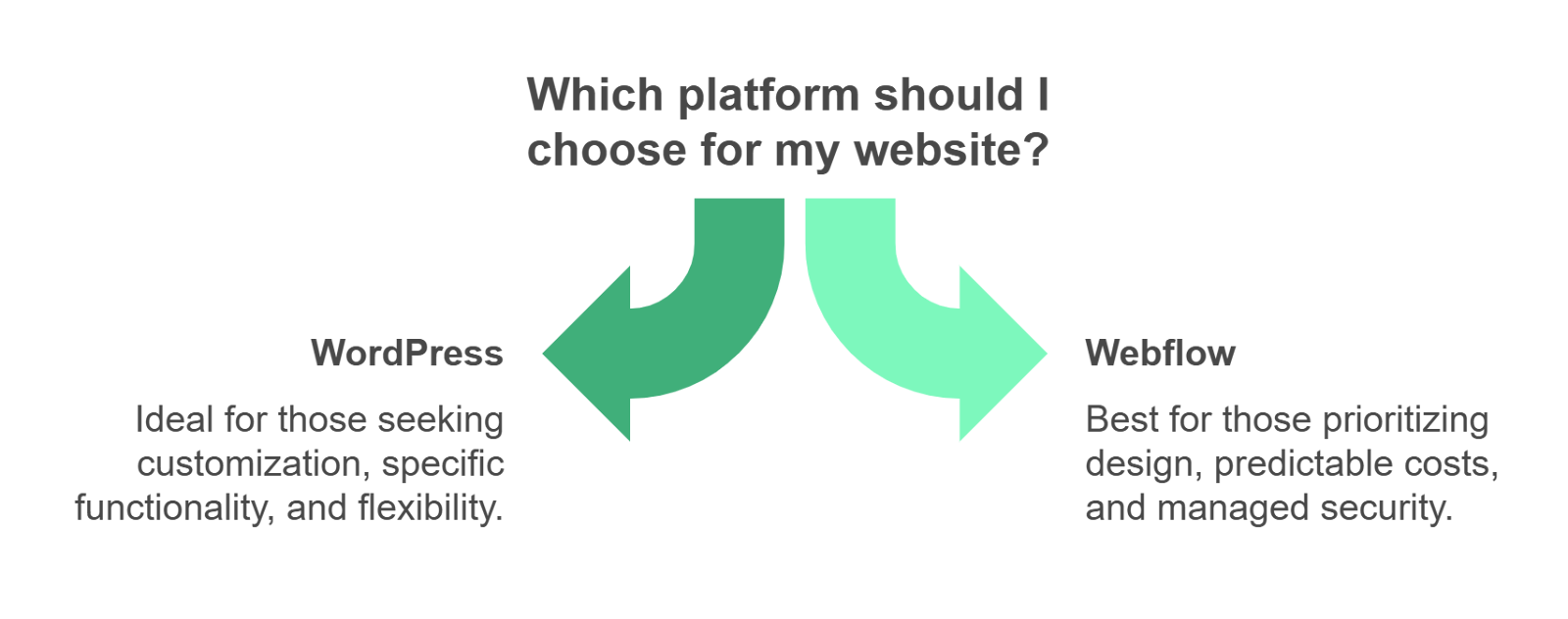
Choose WordPress if:
- You love having endless possibilities for customization
- Your site needs specific functionality that only certain plugins can provide
- You’re comfortable managing regular updates and security
- You want the flexibility to change hosts or developers
Webflow might be your match if:
- You prefer its visual design workflow and managed hosting.
- Its current plan limits and integrations fit your requirements.
- Your team can maintain the site with the available tools.
Looking Ahead
Here’s what really matters – both platforms are solid choices that we trust for different reasons. WordPress continues to evolve while maintaining its reputation as the most versatile website platform out there. Meanwhile, Webflow keeps pushing boundaries with its design capabilities and user-friendly approach.
We’ve built successful websites on both platforms and seen clients thrive with each. The key is matching the platform to your specific needs, resources, and goals. Whether you end up choosing the established giant or the innovative challenger, remember that it’s not just about today’s website – it’s about setting yourself up for future growth and success.
Need help figuring out which platform is right for you? We love chatting about this stuff – reach out and we can explore your options together. After all, choosing which platform to run websites on is what we do every day, and we’re here to help you make the best choice for your situation.
Frequently Asked Questions
Can I Transfer My Existing WordPress Website to Webflow?
A migration is possible, but content, design, integrations and URLs need a plan. Test the rebuilt site and redirects before launch; not every feature or design transfers automatically.
Do I Need Coding Knowledge to Maintain Either Platform?
We don’t need you to have coding skills for basic maintenance on either platform. That said, we’ve found that knowing some HTML and CSS basics helps you get more out of both platforms, and it will help you troubleshoot issues and make custom changes and tweaks when needed.
Which Platform Offers Better E-Commerce Functionality for Online Stores?
Both can support online stores. Compare payment options, catalog requirements, integrations, ongoing costs and the maintenance your team can handle before choosing.
How Long Does It Typically Take to Learn Each Platform?
Learning time depends on your experience, the site’s complexity and who will maintain it. Try the editing workflow your team will use and budget for training.
Can I Use My Own Domain Name With Both Platforms?
Both support custom domains. Webflow-hosted custom domains require a paid Site plan; self-hosted WordPress requires a domain and hosting. Configure DNS with your domain provider and check the current platform requirements.