
What Your Website Photos Say About Your Business
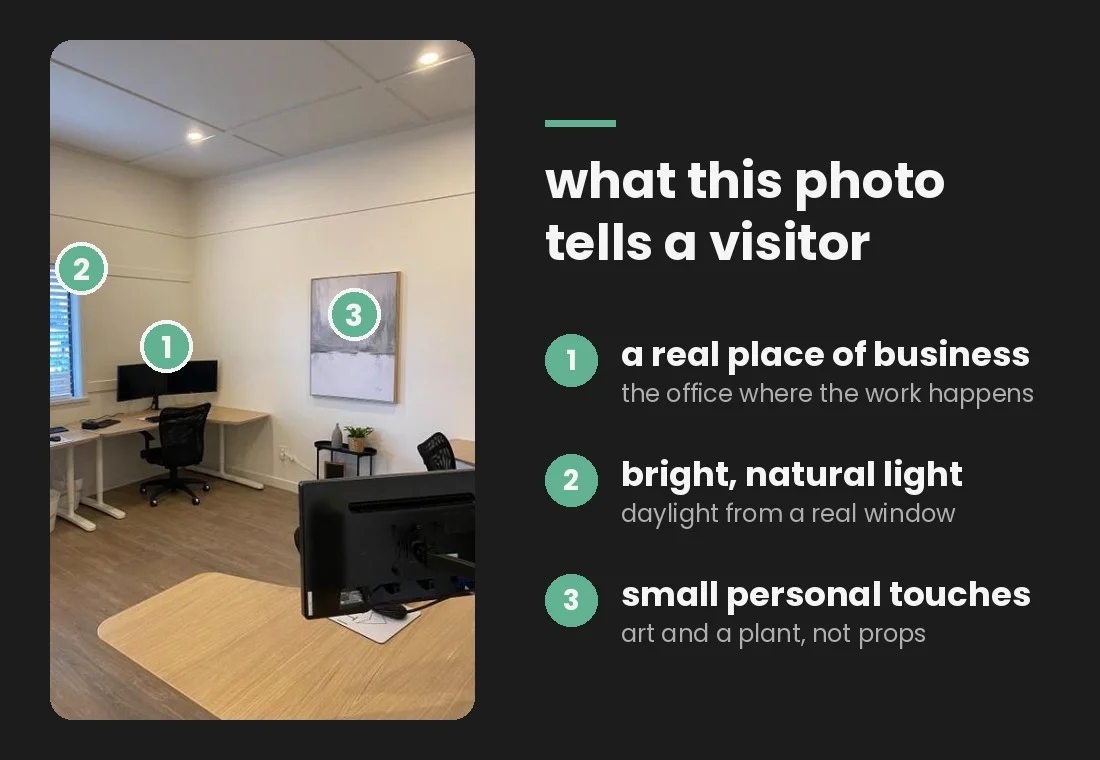
Your website photos tell visitors whether your business looks real and trustworthy before they read a single word on the page. Those photos include every image a visitor sees on your site, from shots of your finished work to photographs of the people who do it, and each one quietly says something about how you run things.
In the office photo, the desks show where the work happens. Daylight makes the space easy to see, and the wall art and plant give it character.
Visitors Judge Your Business by Its Photos First
A new visitor may decide within a few seconds, often before reading your headline, whether your website feels genuine or thrown together. Since a photo is quicker to absorb than a block of text, it usually shapes that first judgment.
A clear photo of your actual shop or a recent job site shows a stranger that your business exists in the real world, which matters because someone browsing late at night has few other ways to check that you are more than a name on a screen.
Good photos give visitors a reason to keep scrolling and read about your services, and honest, well-cared-for images make people more willing to reach out. Weak ones can send those same people away before they ever get to your words.
Real Photos of Your Work Beat Generic Stock

Stock photos are ready-made images that anyone can buy or download from a photo library and use on their own website. They often look polished, with perfect lighting and smiling models, but they say very little about your business or the work you do.
Customers may recognize that handshake or spotless office from other websites, and an image they have already seen on a dental clinic’s site or in a bank’s ad makes your site feel borrowed.
Photos of finished jobs show the quality a customer can expect from you, whether that is a tidy installation or a freshly painted storefront. If you are planning a new site or refreshing an old one, we can build the layout around those real images as part of our website design services.
Showing the People Behind the Business
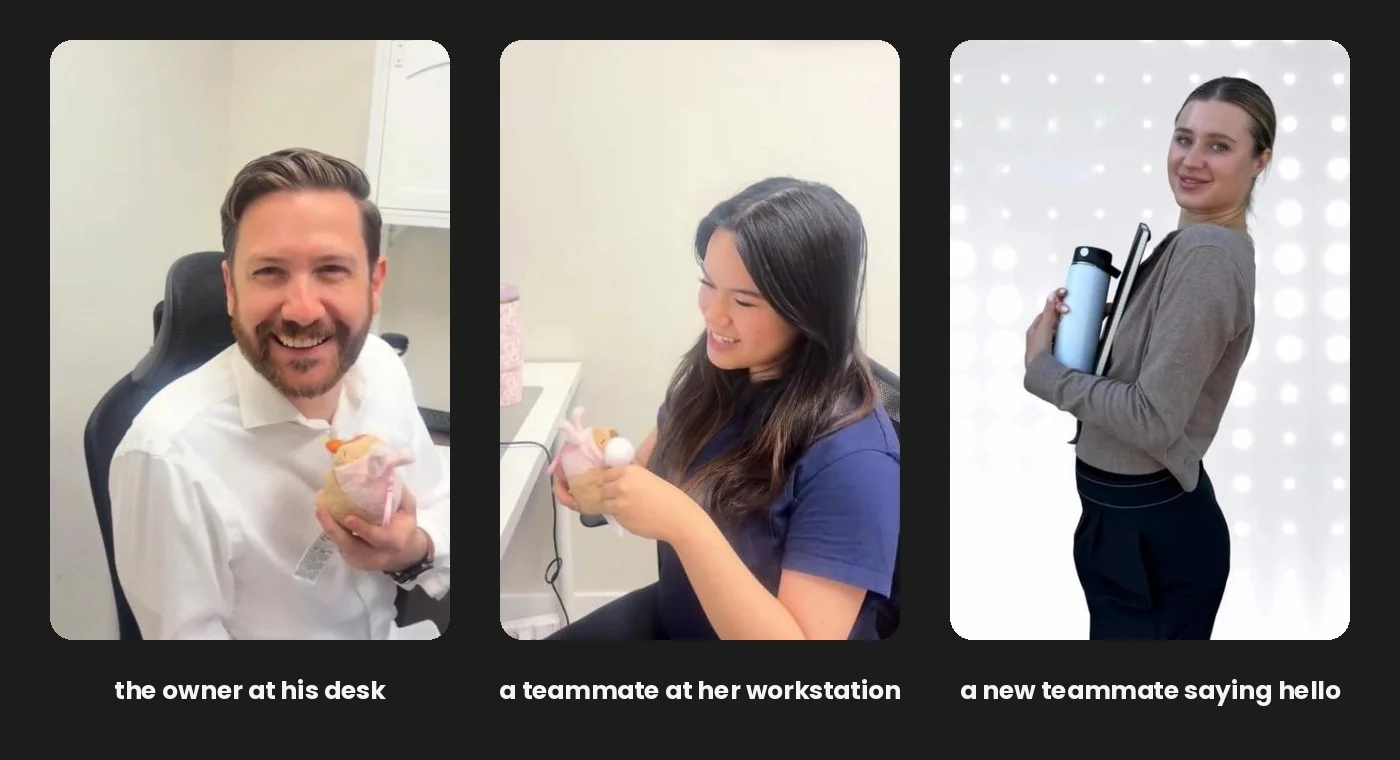
Photos of the owner and staff give a stranger a face to connect with before they call or walk in. If your business visits people’s homes, a team photo also helps a customer feel comfortable opening the door when your crew arrives.
Candid shots of people at work tend to feel warmer than stiff, posed portraits, because a plumber kneeling beside a sink or a baker shaping dough tells visitors something real about the work.
- You can show the owner chatting with a customer at the counter or on a job site.
- Staff tend to look more natural when you photograph them using the tools they handle every day.
- A relaxed group photo taken where the team works can feel more honest than a studio backdrop.
- Close shots of hands at work suit anyone who would rather keep their face off the website.
Photo Mistakes That Quietly Turn Visitors Away
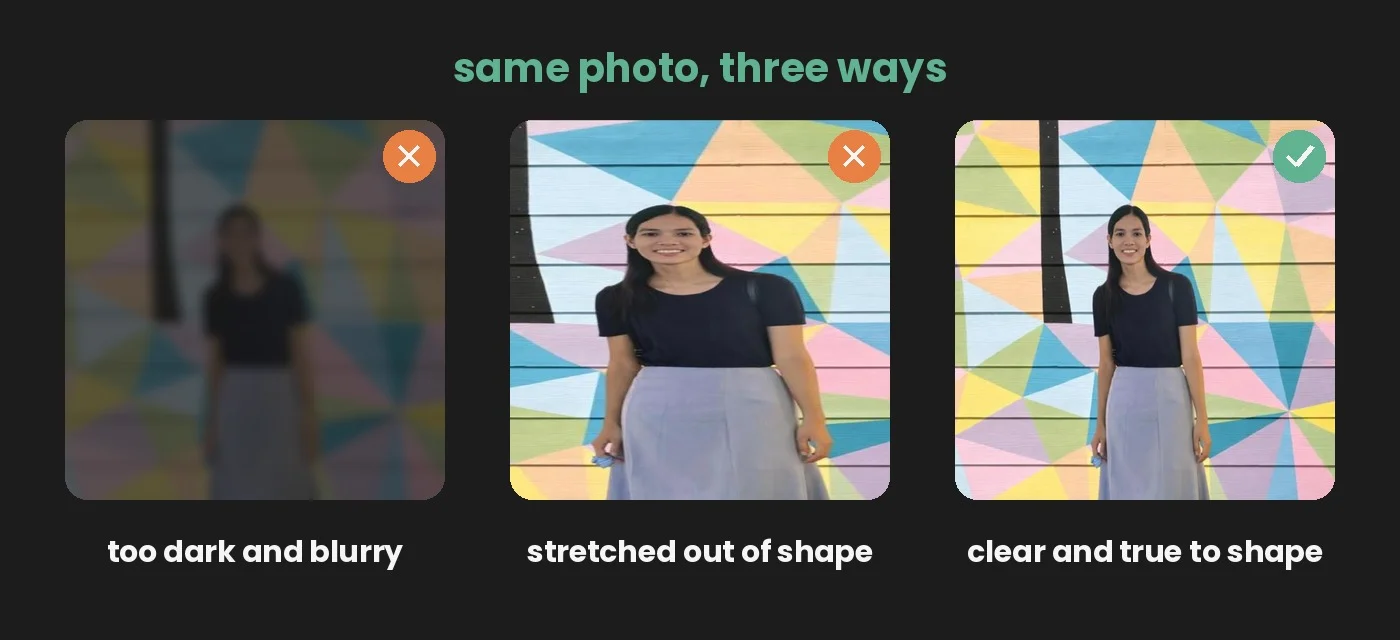
Dark or blurry photos are one of the most common mistakes, and they can make visitors wonder whether a business is just as careless with its work. If you didn’t take care of a photo, a stranger may assume you won’t take care of their job either. Stretched or squashed images send a similar signal, because a face that looks too wide or a storefront that looks oddly tall makes even a good business seem sloppy.
Many owners believe that more photos always make a page better, but filling every page with images tends to bury your message. When visitors have to scroll past a wall of photos to learn what you do, plenty of them leave before they reach the part that matters. A few strong shots placed beside the words they support will tell your story far more clearly.
Outdated photos cause a quieter problem, especially once your shop has a new sign or a new layout. A returning customer who sees the old storefront online may drive right past the real one or wonder whether they found the right business, so your website should show what people will see when they walk through your door.
Simple Ways to Improve the Photos You Have
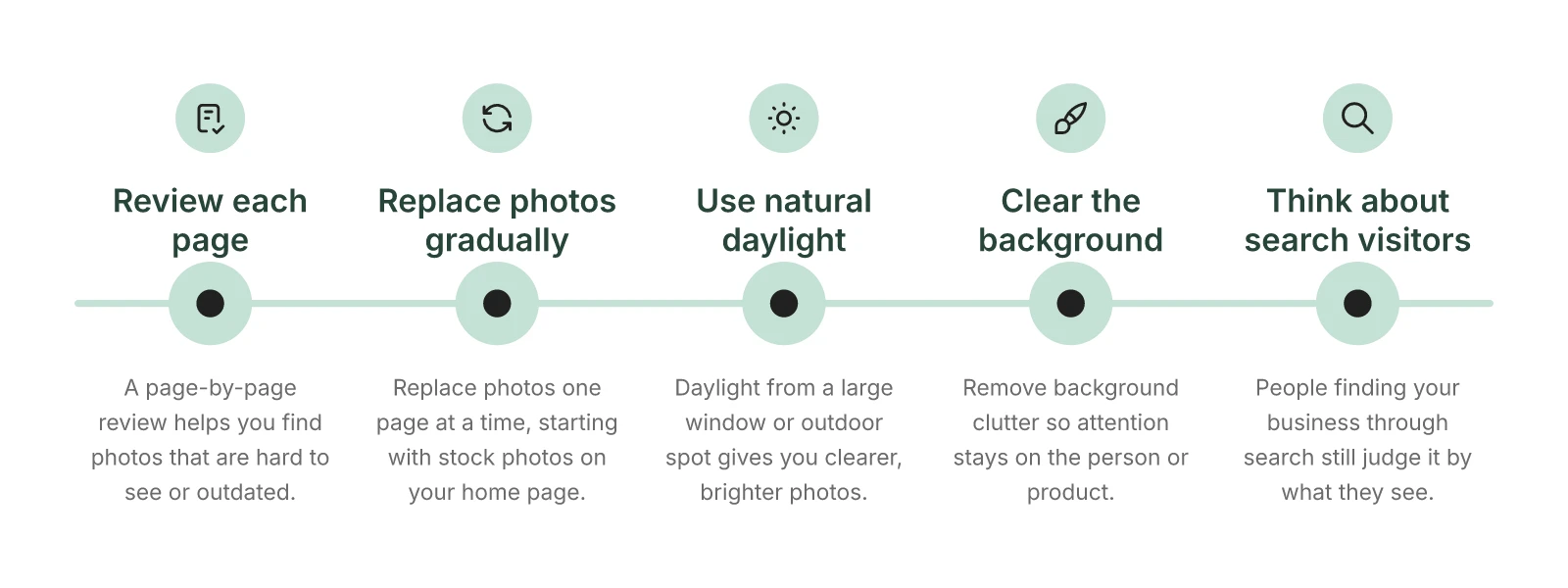
A page-by-page review of your site helps you spot the photos that are hard to make out or out of date. From there, you can replace them one page at a time, starting with any stock photos on your home page, which keeps the job manageable.
Clear images also matter if you are working on your local search visibility, because people who find your business through Google still judge it by what they see when they land on your site. When you retake photos, a couple of simple habits help:
- Daylight from a large window or an outdoor spot gives you clearer, brighter photos than an overhead bulb.
- Removing clutter from the background keeps attention on the person or product in your photo.
Matching Each Photo to the Page It Sits On
Start with your hero image, the large photo across the top of your home page, because it sets the first impression for your whole site and should give visitors a clear, honest look at your business.
Each service page works better with photos of that specific service than with a general image, since someone reading about kitchen renovations wants to see a kitchen you renovated.
Keeping colours and lighting consistent from page to page makes your site feel like one place, and it keeps your photos in line with your brand guidelines. Warm, bright shots on one page beside dim, cool ones on the next can make the whole site look pieced together.
If the photos you already have feel like they could be doing more for you, the website design team at Oi Marketing can help you work out where each one fits on your site.
Answers to Common Questions About Website Photos
Can I Take Good Website Photos with My Phone?
A recent phone can take clear website photos as long as you have plenty of light and hold it steady. Move closer to your subject instead of using digital zoom, which only crops the shot and softens the detail, and take several shots of each subject so you can pick the sharpest one for your page.
Do I Need to Hire a Professional Photographer for My Business Website?
Hiring a professional makes the most sense for the images that carry the most weight, such as the hero image and your team shots. Someone who shoots for a living brings lighting and editing skills that are hard to match with a phone, so many small businesses mix the two by paying for a shoot for their key pages and using their own photos for regular updates.
How Often Should I Update the Photos on My Website?
It’s time to update your website photos whenever customers notice a change, such as a renovated shop or a new team member. Adding photos of recent work every few months also shows visitors that your business is active, and the same shots give you fresh material for your social media posts.
Is It Okay to Show Customers in Photos on My Website?
Yes, you can show customers in your website photos as long as you have their permission, ideally in writing so you have a record of it. Telling customers before the shoot where their photo will appear on your site lets them decide whether they are comfortable with it. Photos of children or people in their own homes need extra care, so in those cases it is often better to show the finished work instead of the person.
What Does It Cost to Get New Photos Taken for a Small Business Website?
The cost of new website photos depends mostly on how many images you need and how long the shooting and editing take. Travelling to more than one location or staging products adds time to a shoot, which usually adds to the price. Photos you take yourself on a phone cost nothing but your time, which makes them a good option for updates between larger shoots.