
What Does a Website Accessibility Scan Actually Check?
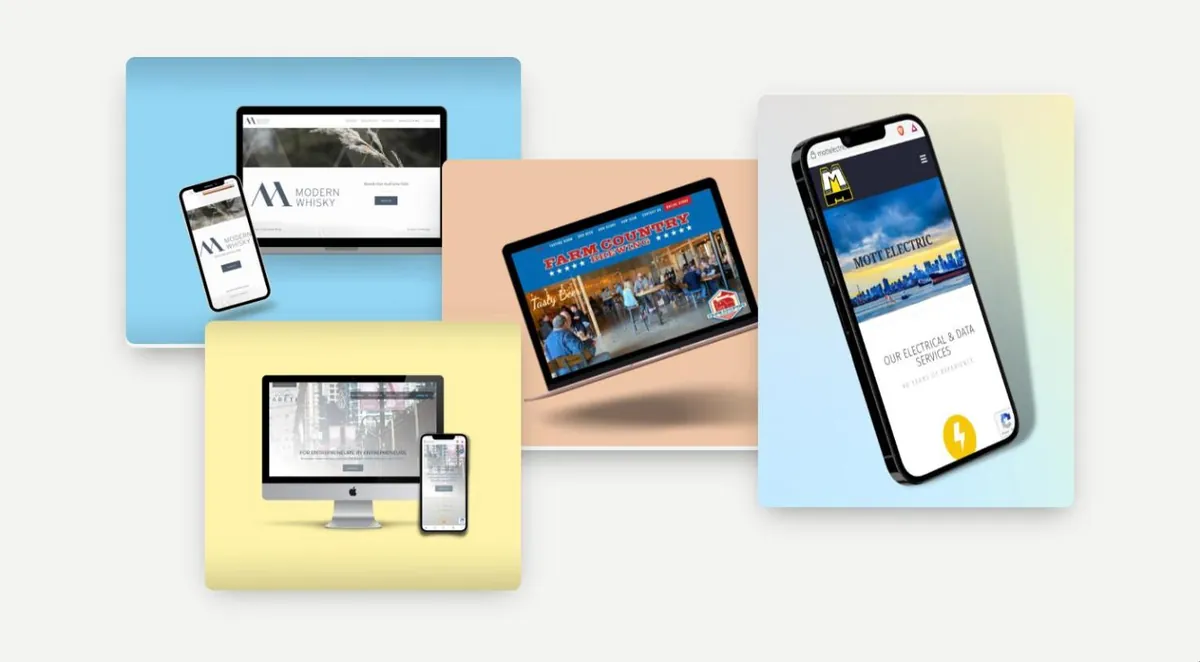
A website accessibility scan is an automated check that reads the code behind each page and flags the barriers a program can detect on its own. Images account for many of the most common flags, because a banner or button graphic can look fine on screen yet still shut out visitors who see or use the page differently.
Alt Text Tells Screen Readers What an Image Shows
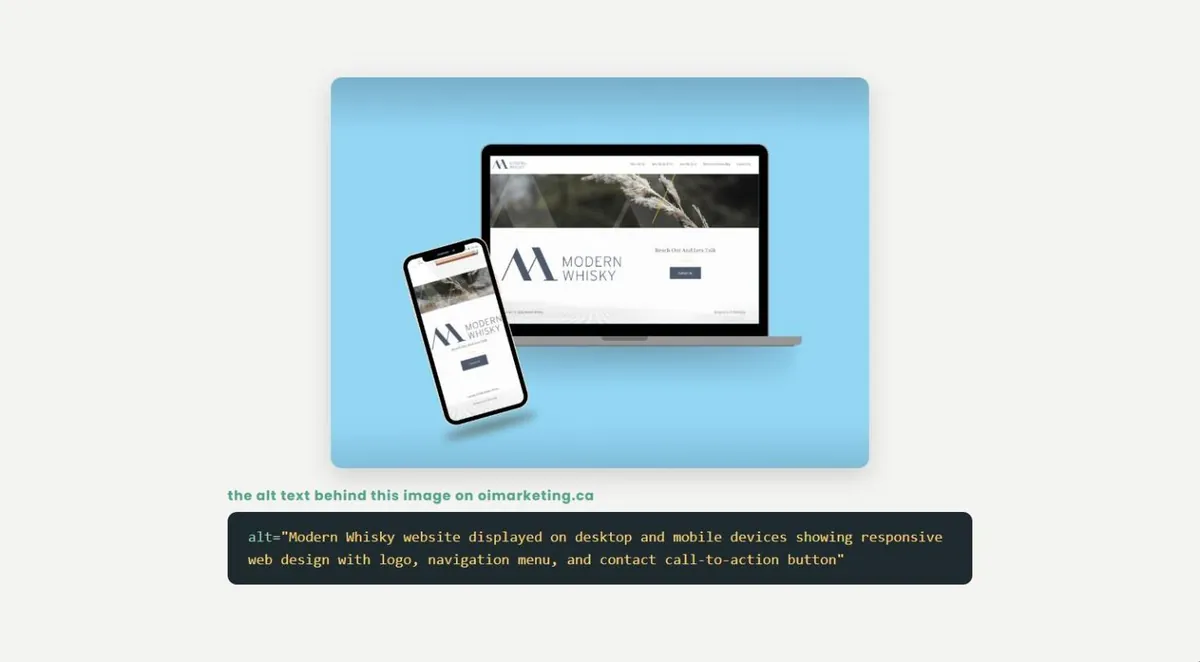
Alt text is a short description in a website’s code that tells a screen reader what an image shows. A screen reader is software that reads a page aloud for people who cannot see the screen, and it reads these descriptions along with the rest of the content, which is why a scan flags any image that has no alt text.
Without alt text, someone using a screen reader may hear a file name made up of random letters and numbers, or nothing at all. That leaves them guessing whenever a product photo or chart carries the main point of the page.
Good alt text describes what an image means in your content rather than listing everything in the frame. The same crew photo from a job site might describe the work being done when it sits in a services section, while on an About page the alt text could name the people in it.
A scan can check that a description exists, but it cannot judge whether the words make sense. A person still needs to test the website with a keyboard and a screen reader to catch what the scan misses.
Text Inside Graphics Stays Hidden from Screen Readers
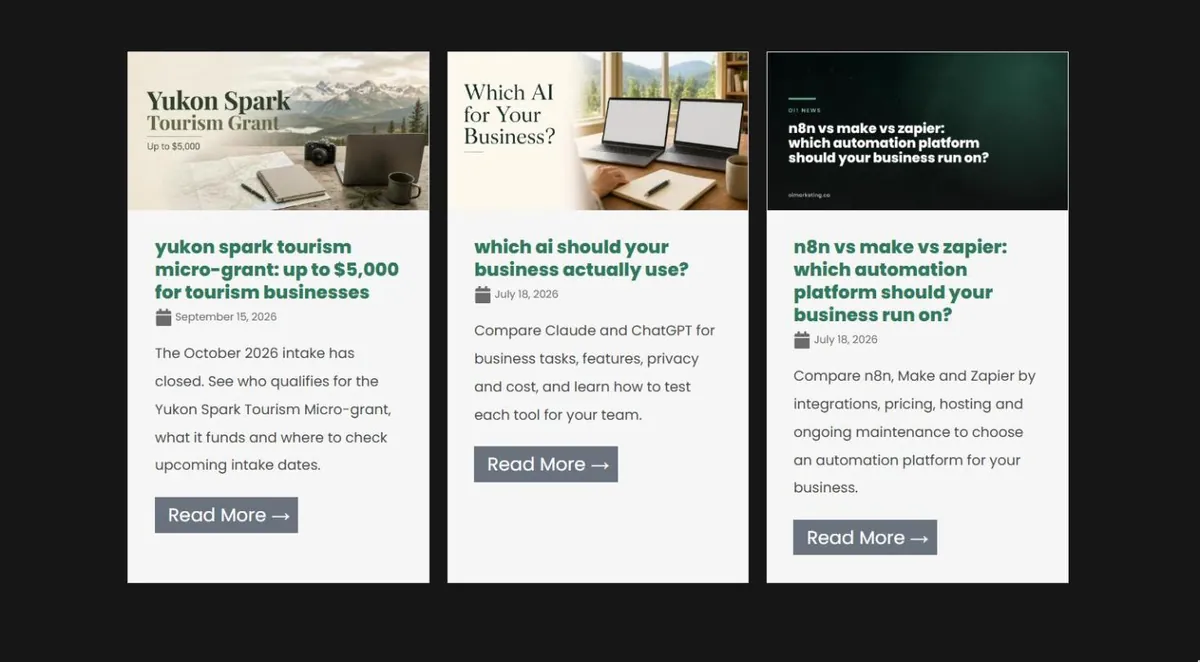
Words built into a graphic, such as a sale banner, a menu saved as an image or a social media graphic reused on a page, are only pixels, so a screen reader cannot read them aloud. An automated scan can miss the problem completely, because it may find alt text on the image without knowing the image contains words.
Text inside an image also blurs and breaks apart when readers with low vision zoom in, while real page text stays sharp as it grows and lets readers change the font or colours in their browser.
Putting the words in live page text fixes both problems, and the graphic can stay behind them as a background. Planning banners this way during website design work saves you from having to rebuild them later.
Colour Contrast on Banners and Buttons
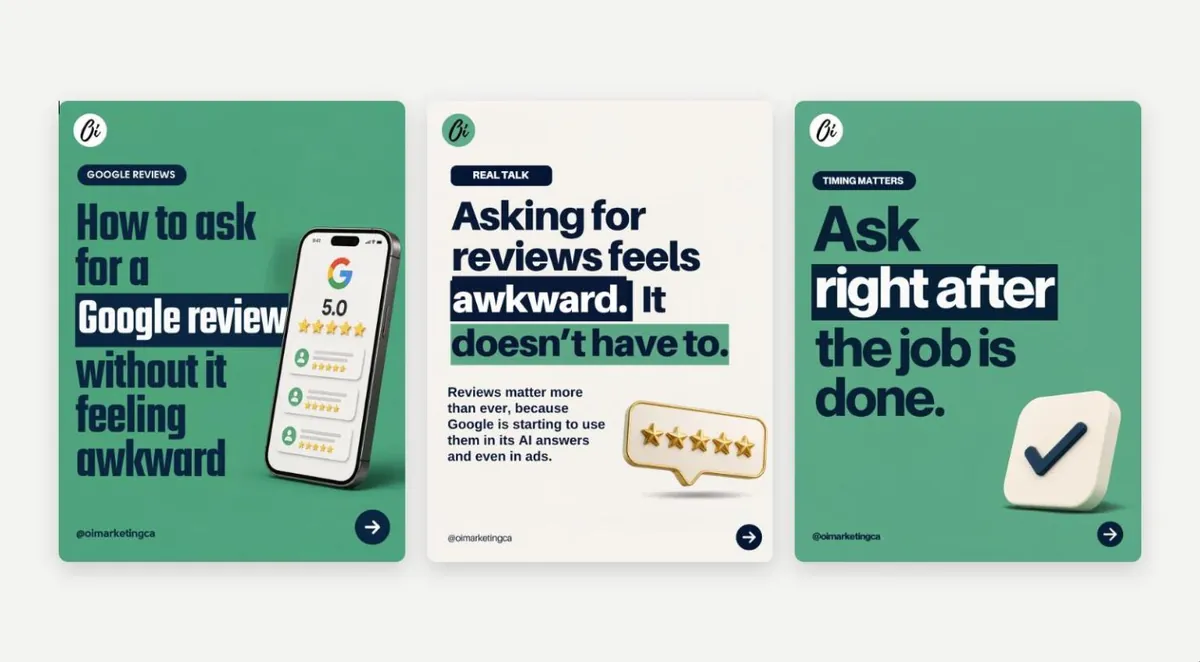
Colour contrast affects how easily people can read text against its background. A scan calculates a contrast ratio, which compares the lightness of the letters with the lightness behind them, and flags any pair that falls short of WCAG 2.1 Level AA.
Photo banners are harder for a scan to assess because a program cannot always tell which part of the image sits behind each word, but a person can usually spot the weak areas by eye. Adding a dark overlay or a solid panel behind the text is a simple way to improve the contrast.
- Light text on a photo banner can fail when the headline runs from a dark patch of sky onto a bright cloud.
- Pale button labels can fail even in a clean design when white letters sit on a soft pastel button, so it helps to test your brand colours before they appear on every button.
Common Mistakes People Make with Image Fixes
Keyword stuffing in alt text buries a simple photo in clutter, because a screen reader reads every word aloud. A string such as “shoes, running shoes, cheap shoes” is much harder to listen to than a plain description of what the photo shows.
Decorative images, such as a background swirl or a divider line, need empty alt text because they add nothing to the meaning of the page. A screen reader skips any image whose alt text is left empty, so the listener can move on to the content that matters.
Headers and footers usually come from a shared template, so fixing an image on one page can leave the same problem on dozens of others. Correcting the template instead carries the fix to every page that uses it.
A clean automated scan is only a partial check, and passing it does not make your site legally compliant.
Running a Scan and Fixing What It Finds
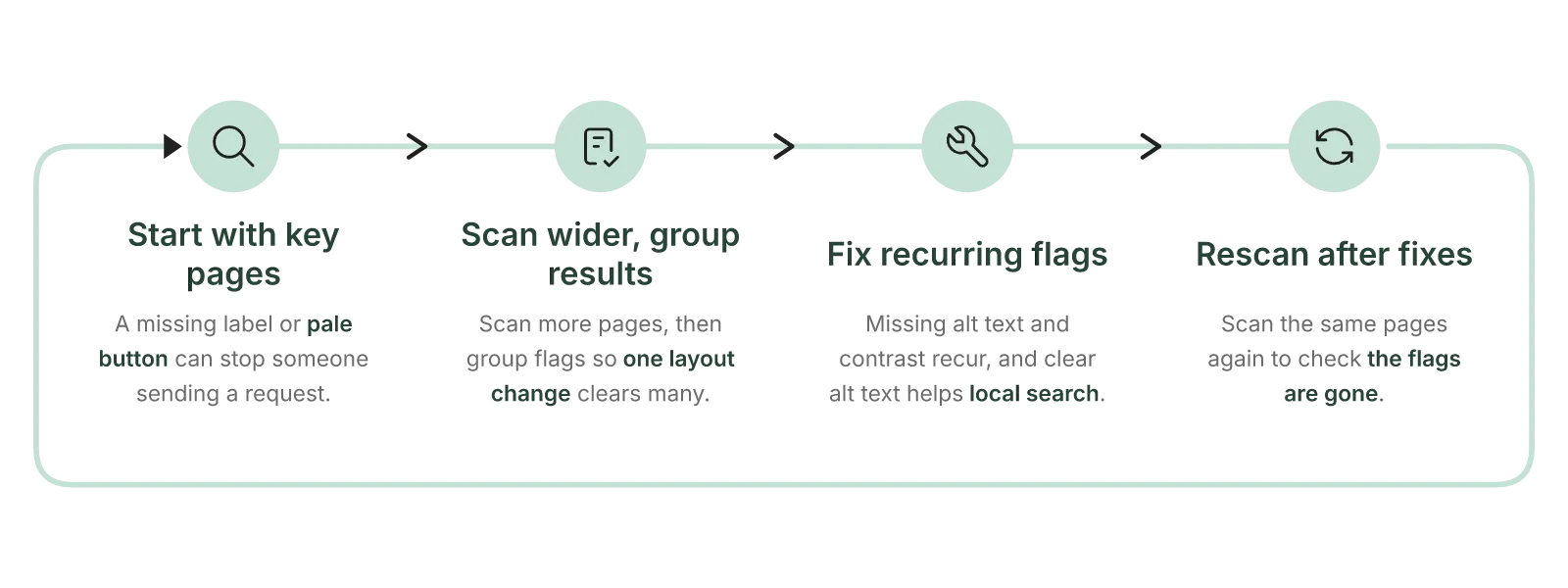
A good place to start an accessibility scan is your home page and the contact or booking forms people rely on, since a missing field label or a pale button can stop someone from sending you a request.
Clear alt text and real page text can also help your local search visibility, because search engines read the same code that screen readers do. Once the scan is done, the results give you a list of issues to work through.
- Scanning more than the home page helps you find flags across the whole site.
- Grouping the results by type shows you which flags a single change to a shared layout can clear across many pages.
- Missing alt text and contrast flags make good starting points because they tend to repeat throughout a site.
- Scanning the same pages again after your fixes lets you confirm that the flags are gone.
WCAG 2.1 Level AA Is the Usual Target
WCAG 2.1 Level AA is the standard most websites aim for when they measure how accessible their pages are. WCAG stands for the Web Content Accessibility Guidelines, and its advice is grouped under broad principles about whether people can perceive your content and whether they can use it. Level AA is the middle of its three levels, and it covers the colour contrast and text alternatives that an automated scan already checks.
Passing a scan against Level AA doesn’t mean your site meets every legal requirement, because an automated scan catches only some of the problems. A person still needs to move through your pages with a keyboard and a screen reader to find the issues a program misses.
Common Questions About Accessibility Scans and What They Mean
Does Passing an Accessibility Scan Make My Website Legally Compliant?
A clean accessibility scan does not establish legal compliance, because it only shows that the program found none of the problems it is able to detect. Most accessibility rules judge a site against guidelines such as WCAG 2.1 Level AA, and a person has to test much of that by hand. A lawyer familiar with accessibility law can tell you which rules apply to your site.
Can an Automated Scan Find Every Accessibility Problem on a Site?
An automated scan can find only the problems it can test from your site’s code, such as missing alt text or colour pairs with weak contrast. It cannot judge whether your alt text is accurate or check whether someone using only a keyboard can reach every menu, so hands-on testing with a screen reader and a keyboard is what fills those gaps.
How Much Does It Cost to Fix Accessibility Issues on a Website?
The cost of fixing accessibility issues depends on how many problems the scan finds and whether they sit in shared templates or on single pages. When one template causes the same flag across many pages, a single fix to that template can clear all of them at once, so the job often turns out smaller than the raw count suggests once you group the results.
Should I Run an Accessibility Scan Again After My Website Changes?
Running an accessibility scan again after a redesign or a batch of new content can catch old problems that the changes bring back. A new photo banner can fail a contrast check without anyone noticing, and someone uploading images in a hurry may skip the alt text, which puts the same flags right back on your pages.