What Happened at Canva Create: A Brand New Era Event 2023
If you didn’t know already, March 22, 2023 was a big day for Canva. They held their Canva Create: A Brand New Era event, and looking back, it’s still one of their biggest feature drops. Here’s a recap of what launched that day.
In this article
Introducing Canva’s Game-Changing Features for 2023
We’re super excited to tell you about Canva’s 10 amazing new design tools and extra features that work seamlessly with both new and existing tools. We highly recommend streaming the announcement on YouTube to get the full scoop since it was an incredible show. The new AI-powered tools were nothing short of revolutionary, and as we saw play out through the rest of that year, they ended up everywhere.
Magic Design: Canva’s AI Design Companion
With Canva Magic Design, we can kiss time-consuming template searches goodbye. Simply drag in an image or video, and Magic Design will find a template that matches the style, giving us eight options to choose from.
Magic Presentation: Stress-Free Presentations
Building a presentation from scratch is nobody’s favorite task, and Magic Presentation exists to skip that part entirely. While it can even provide content for us, we suggest using it as inspiration instead of relying solely on AI-generated work. Just type a prompt, and Magic Presentation will create a polished design that looks and sounds great.
Styles and Layouts: Perfecting Our Designs
If we’re struggling to get a design just right, Styles and Layouts are here to help. This feature rearranges our designs to fit, look, or feel better without adding content. It offers options to elevate our work to new heights.
Draw: Sketching on Canva’s Whiteboard
Now we can draw directly onto Canva’s Whiteboard, just like a real one. Choose from four pen types, infinite colors, and various weight options to sketch our ideas. Leave them hand-drawn or use Shape Assist to transform doodles into clean shapes, lines, or arrows. At the time, Canva said Shape Assist would eventually use AI to match graphics to our sketches, and that idea has since arrived as Draw’s Sketch to Graphic mode, which suggests ready-made graphics based on what we’ve drawn.
Magic Write: Expressing the Inexpressible
Where staring at a blank page used to be the hardest part, Magic Write helps us put into words what we’ve never quite been able to before. Available in 21 languages and across the entire Canva Suite, it’s perfect for writing anything from love poems to professional texts. If we’re confident in our words but struggle with grammar or typos, Magic Write can clean up and summarize our texts too.
Translate: Designs for a Multilingual World
With Canva’s Translate tool, we can create designs in over 100 languages. Simply write our text and choose the target language from a dropdown menu. No need to hire a translator – we’ve got the world at our fingertips.
Text to Image Upgrades: Next-Level Imagery
Text-to-image, a popular AI method to create images from simple word prompts, has received upgrades: higher resolution, faster generation speed, and new styles. AI-generated imagery still raises copyright questions worth keeping an eye on.
Magic Edit: Perfecting Our Images
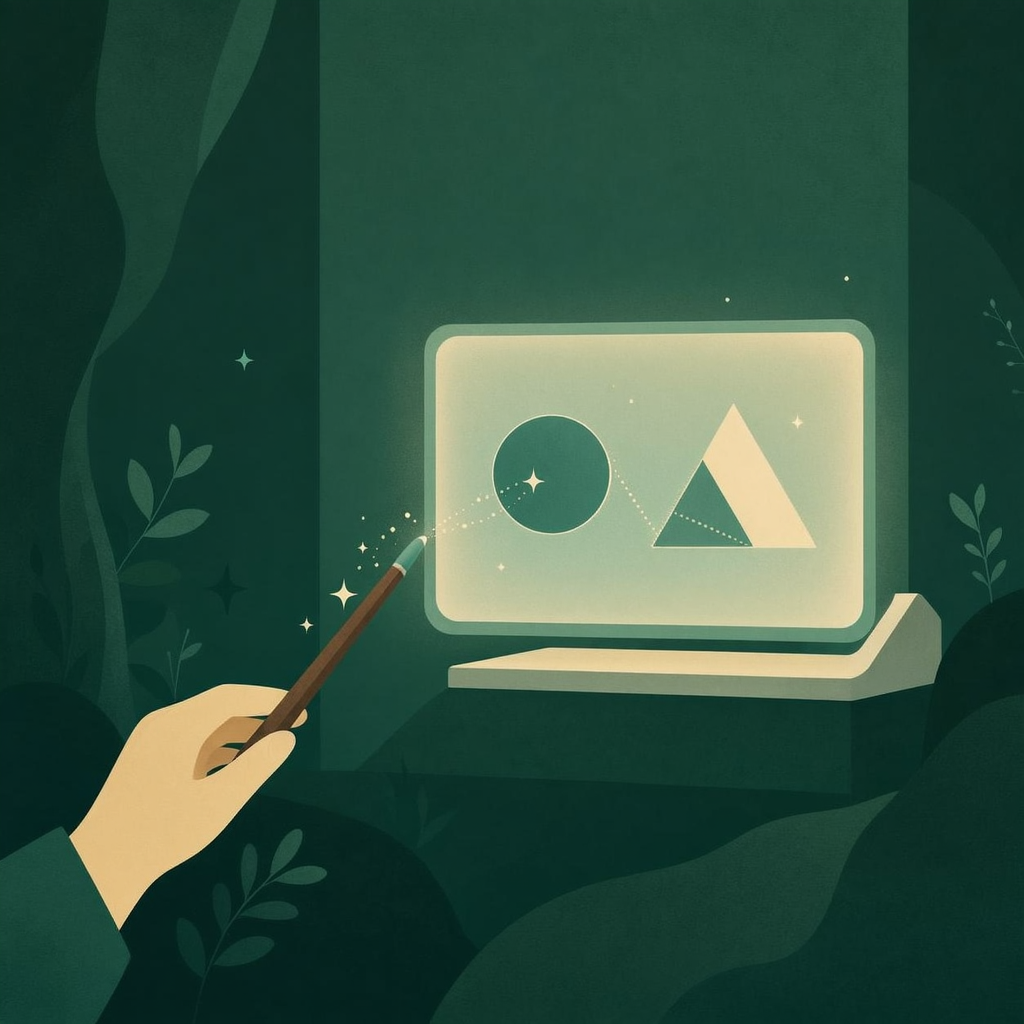
Need to swap roses for tulips, or trade a beard for a floral design? That’s exactly the kind of edit Magic Edit is built for, and it delivers great results. Use the Magic Eraser to remove unwanted areas, type a prompt for the replacement, and Canva will fill in the gaps with multiple options.
Create an Animation: Bringing Our Designs to Life
While Canva has always had an Animate feature, it now boasts an Animation feature as well. We can set any element to move along a drawn path, change speeds and smoothness, and even make a dog photo move in circles or make planets revolve around the Pope. We’re in control of our animations.
Beat Sync: Music and Video Harmony
As short-form videos gain popularity, syncing music to beats becomes essential for engagement. Canva’s Beat Sync tool makes it easy for us to let images transition or move with the track in one click, saving us time compared to After Effects.
Unleash Your Creativity with Canva in 2023
Canva’s thrilling announcement opens up a whole new world of possibilities for our designs. With more AI-powered features than ever before, the sky’s the limit when it comes to creativity.
Whether we’re flying solo or collaborating with a team, these cutting-edge features and tools will enable us to create top-notch designs, maintain brand consistency, and save time on mundane tasks, allowing our imaginations to truly soar.
Looking back, it’s easy to see why we jumped on Canva’s wild new features so quickly to unlock our creative potential. Happy designing! We started using many of these tools at Oi almost right away.